
Follow the steps
Go through the content of a model, card after card.
A model is more than a 3D object: it comes with content, and that content lives in the panel at the bottom of the screen.
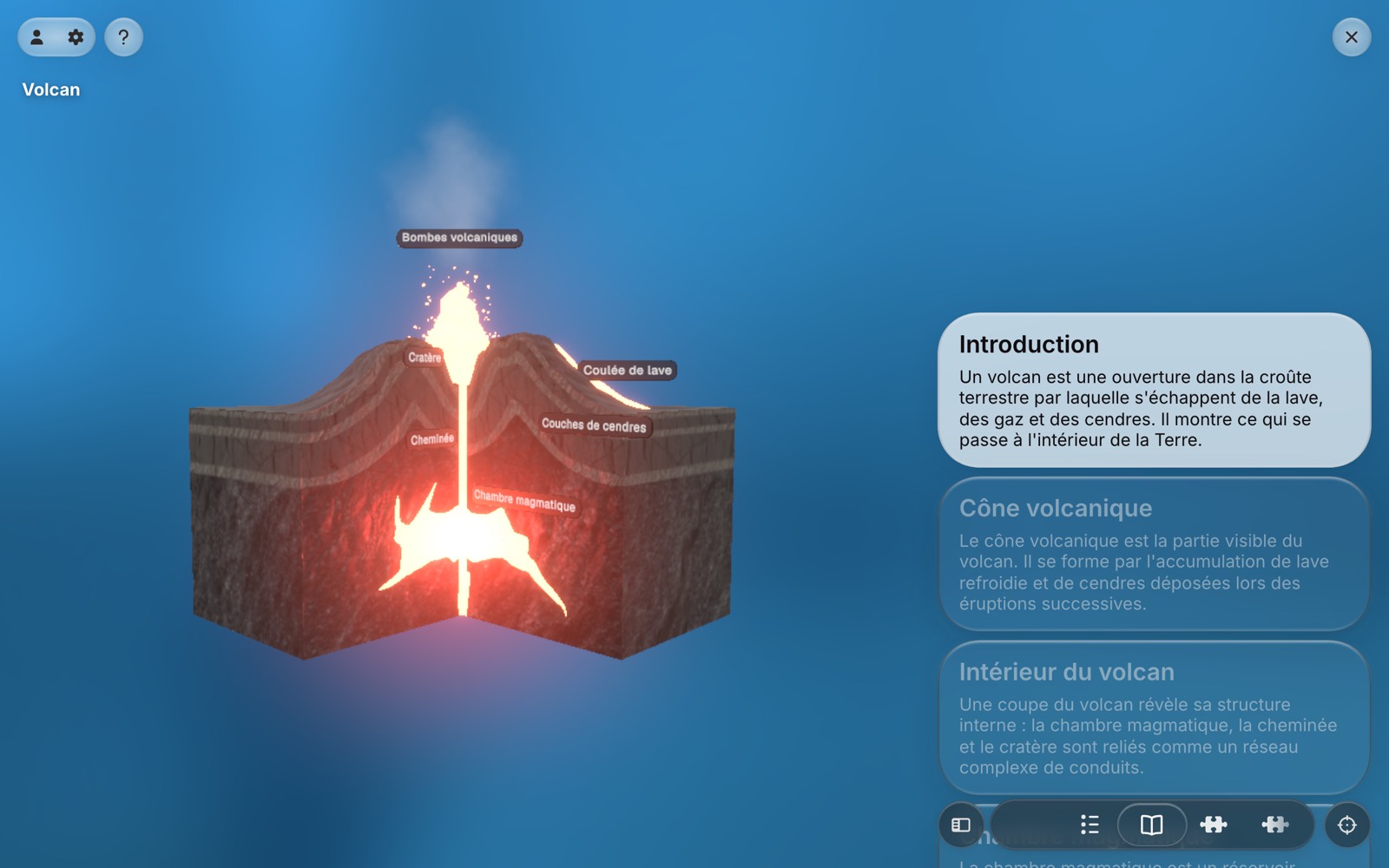
The bar and the sections
The bar at the bottom lists the sections of the model: a menu, then one section per topic, and a quiz when there is one. Tap a section to open it. The active section is marked in the bar.
Card after card
An open section shows its cards, stacked one after another. Scroll the panel to move through them: the card you stop on becomes the current one, and the model follows it. A card can move the camera, highlight one of its parts, or start an animation.
When you reach the end of a section, the next one is offered right there, so you can chain sections without going back to the bar.
Putting the panel away
To see the whole model, put the panel away: drag the handle above it downwards, or tap the handle. The bar becomes a single button that brings the panel back.
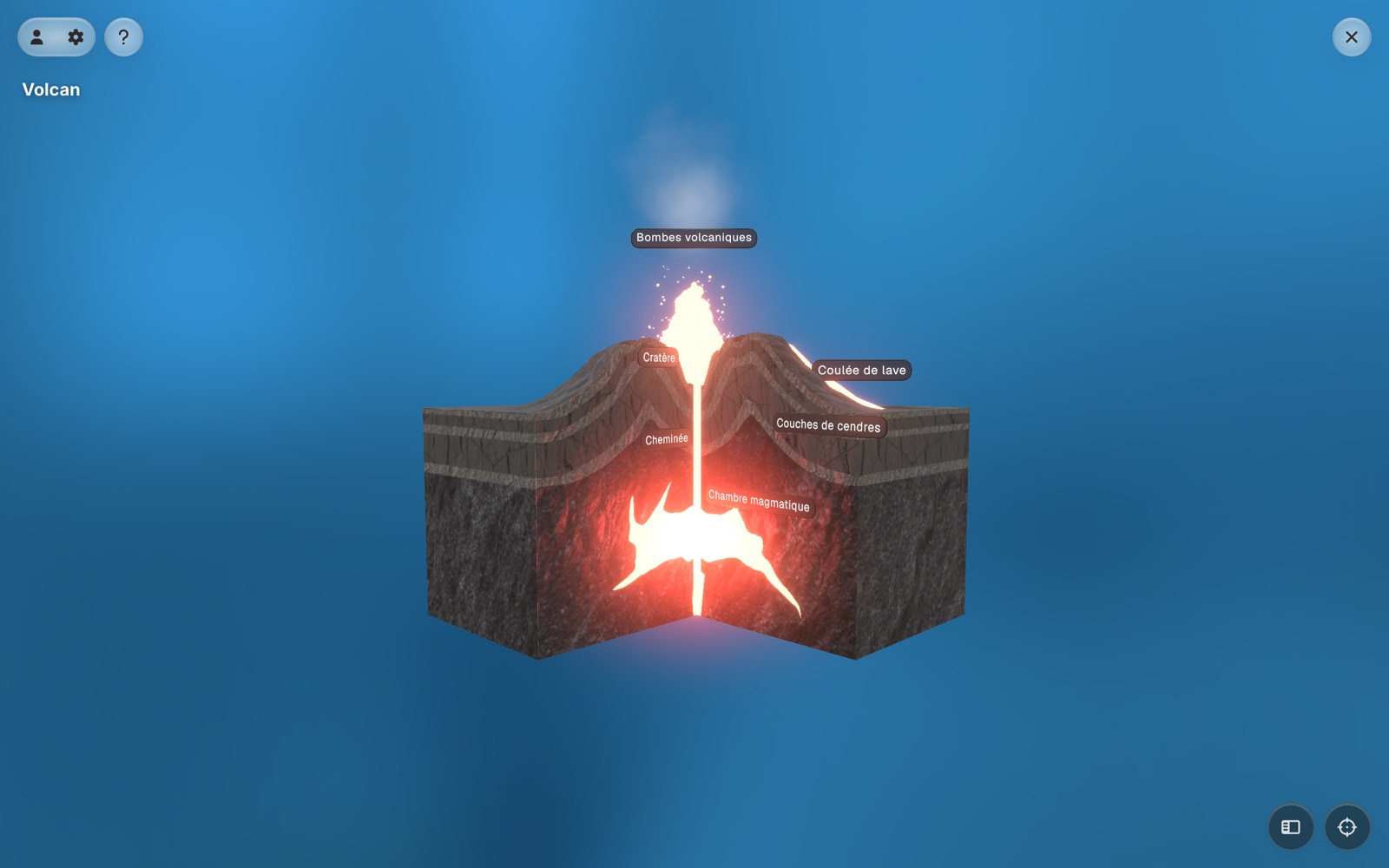
Nothing is lost in the meantime. The panel reopens on the same card, at the same place in the scroll.
Next: Explore in 3D.