
Open a model
Find a model in the library, in the app or on the web.
Everything starts with a model: open it, then explore it.
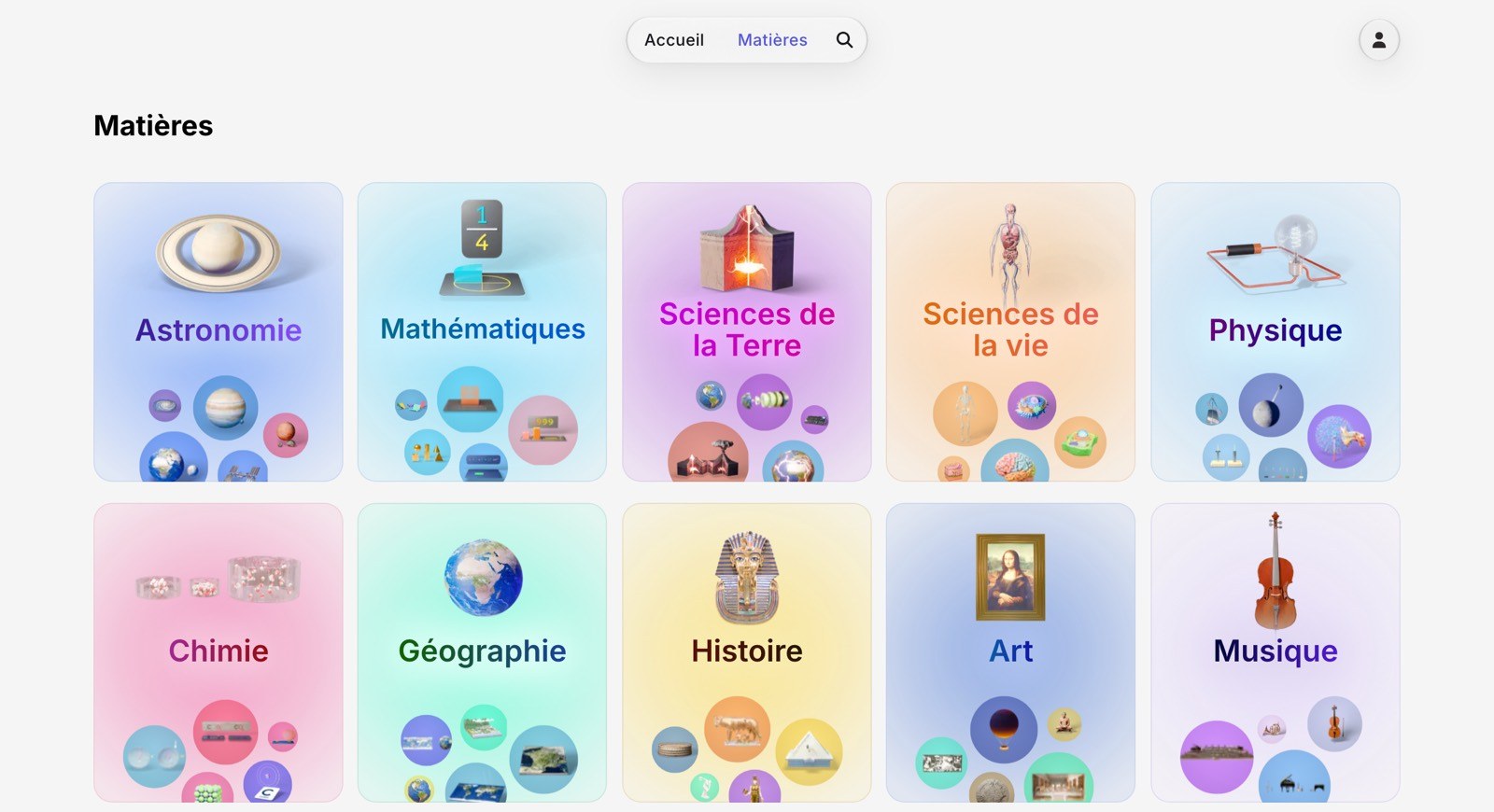
In the app
Open Foxar on your iPhone, iPad or Vision Pro.
Browse the subjects, or search for a model by name.
Tap a model to open it.
On the web
Go to app.foxar.org.
Browse the subjects, or search for a model by name.
Click a model to open it.
Searching by name works too, from anywhere in the app.
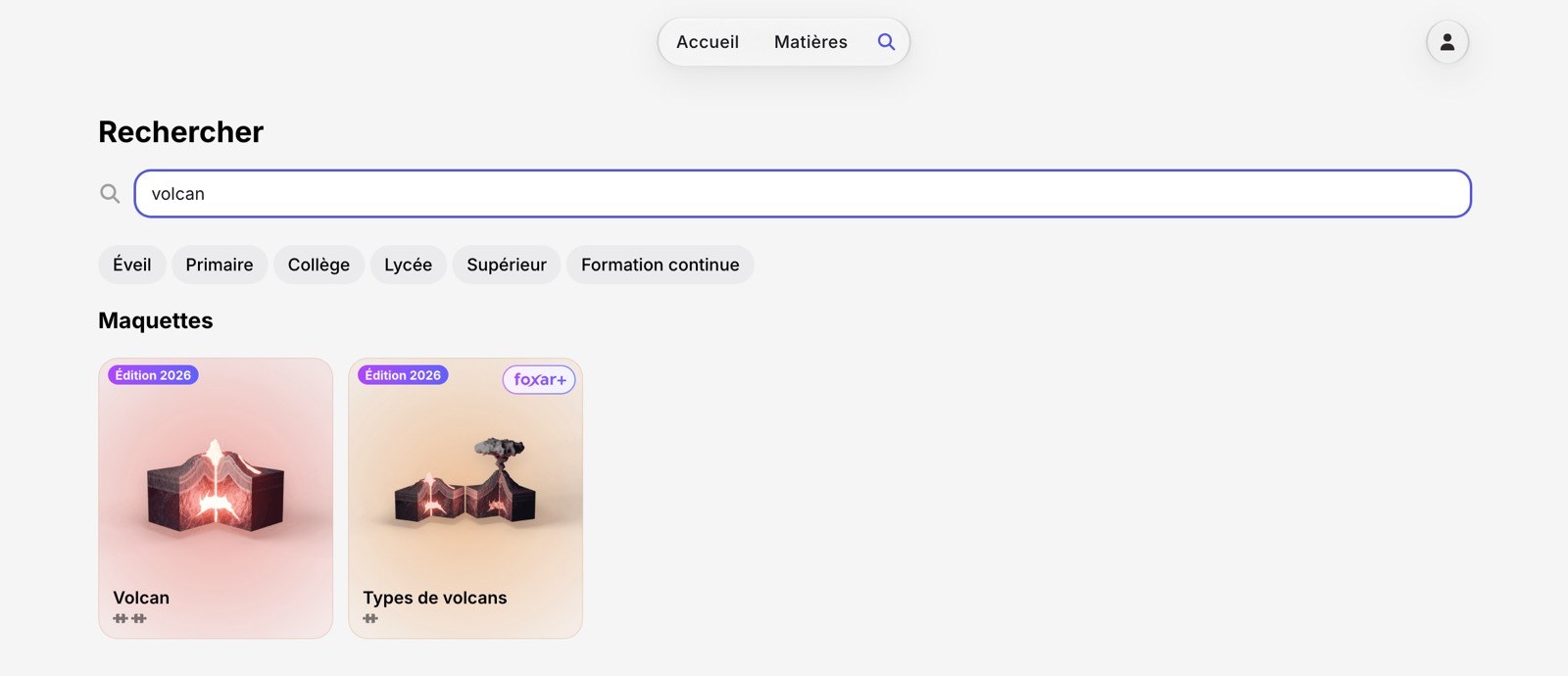
A subject can hold several cards: the model itself, and the quizzes that go with it. Open one and the player starts.
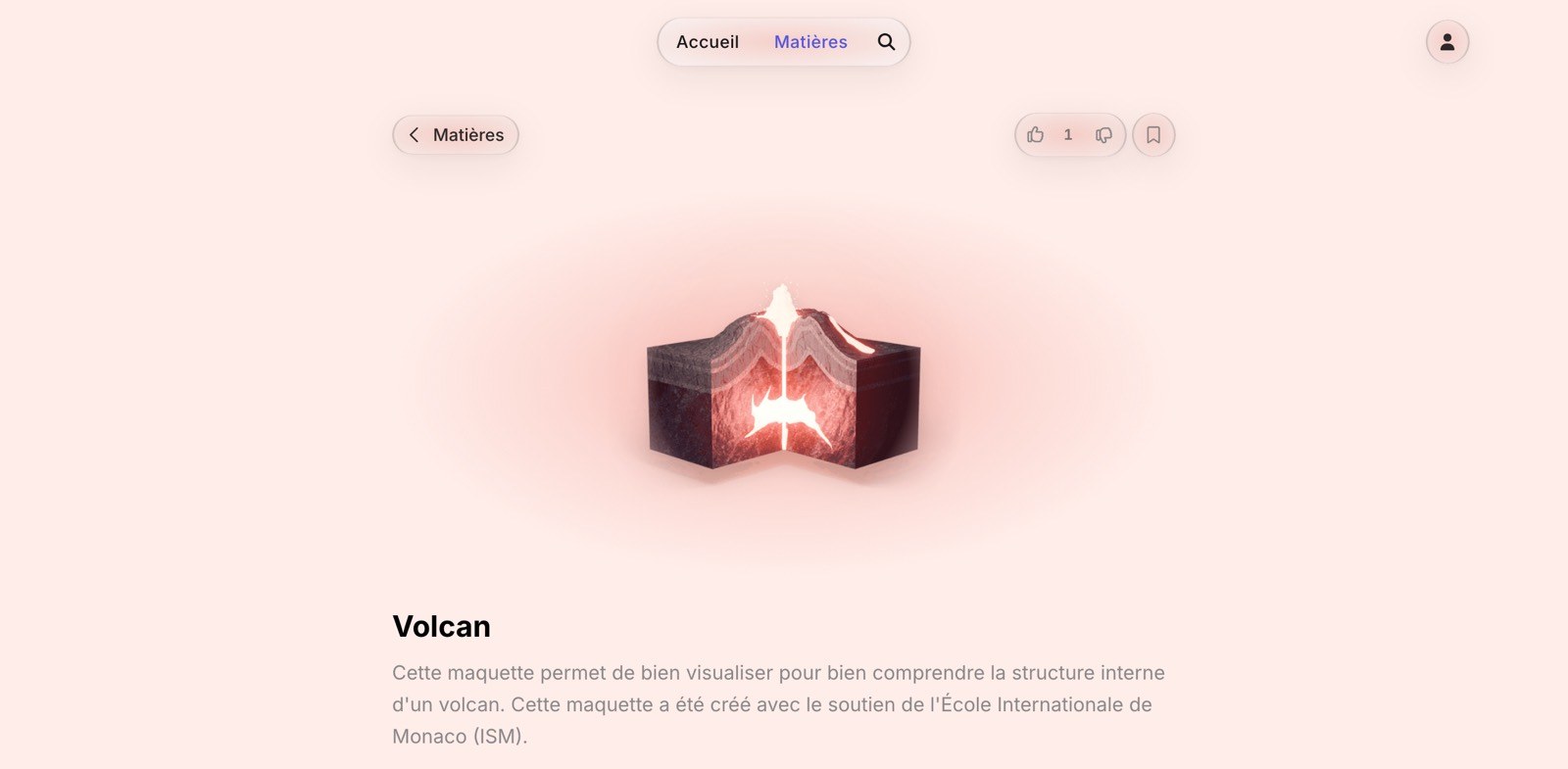
Nothing to create and nothing to sign in to: a free model opens straight away. Part of the library is premium, and opening one of those models asks for a subscription instead: see Foxar+.
Next: Follow the steps.