
Foxar+
Add and manage a subscription.
Part of the library is free. The rest is premium: opening one of those models shows a message and a Subscribe button in place of the model.
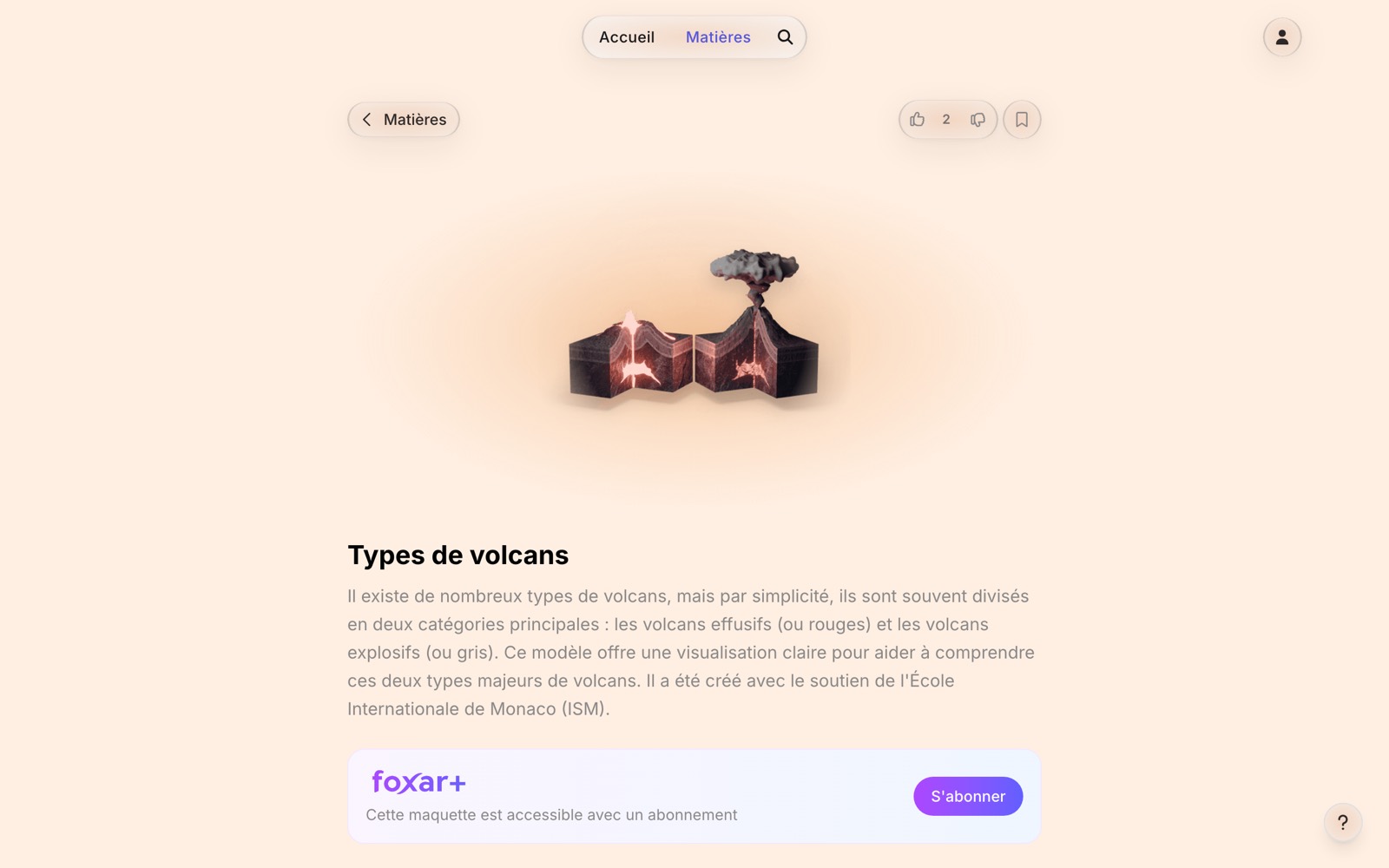
Foxar+ unlocks the whole library, premium models included, and the ones added later on. It comes in two formulas, monthly or annual, and the prices are shown at the moment you subscribe.
In the app
On iPhone, iPad and Vision Pro, the subscription goes through the App Store, and no Foxar account is needed: the purchase unlocks the app on this device straight away. It is renewed and cancelled there, in your Apple account settings, like every other App Store subscription.
It also works with Apple's Family Sharing: shared with your family group, the subscription opens Foxar for its members without a second purchase.
On a new device, sign in with the same Apple Account and the subscription follows. If the app does not find it, it offers Restore Purchases, which asks the App Store for your history again.
On the web
On the web, a Foxar account is needed, the payment goes through our payment provider, and the subscription is then managed from that account.
Once the payment is through, the content unlocks on its own. If it stays closed for a moment, reload the page: the activation can take a few seconds.
One subscription, every device
A subscription follows your Foxar account, so the same one works in the app and on the web.
Bought in the app: sign in to your Foxar account in the app, and the App Store subscription attaches itself to that account. From then on it opens the web version too.
Bought on the web: sign in with the same account in the app, and the models open there.
Through your organization
Licence keys are for schools and organizations, not for individual purchase. An organization buys a batch of licences, and each key seats one person.
Your organization gave you a key, in the form
XXXX-XXXX-XXXX-XXXX: enter it in the licence key settings. Tied to your account, it follows you from one device to the next, with nothing to enter again.Your organization signs you in itself, through its digital workspace: the premium content opens as soon as the session does, with no key and no subscription of your own.
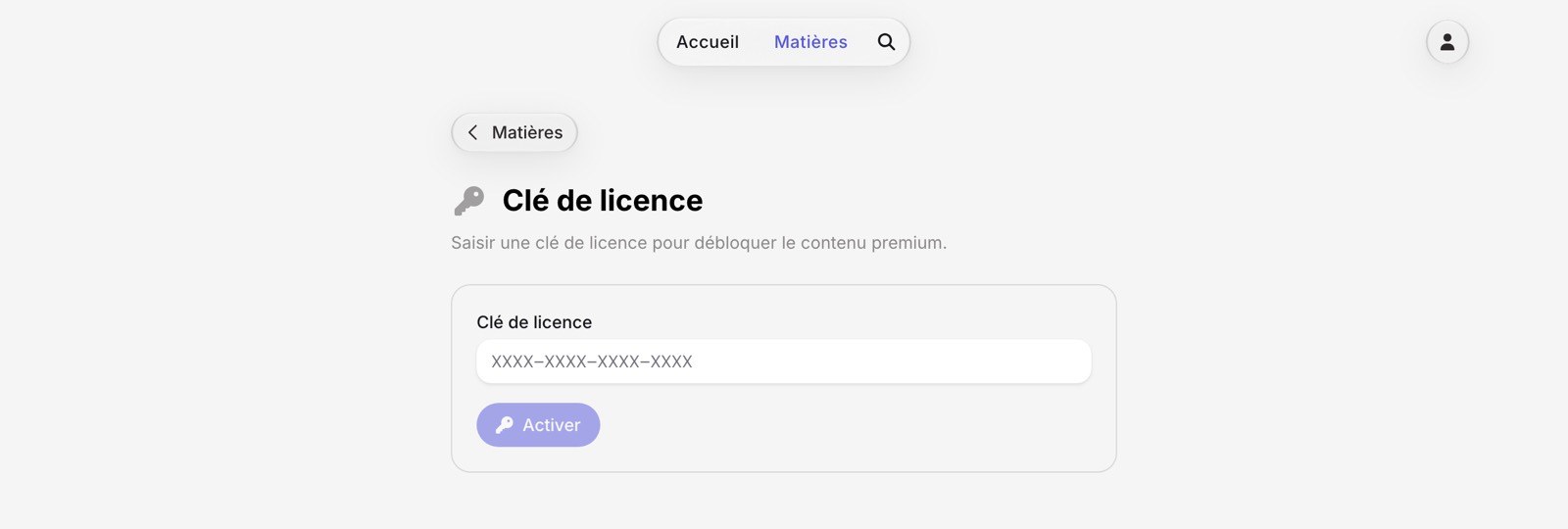
A key is valid until a given date, after which the premium models close again.
A teacher's own subscription
A personal subscription opens Foxar+ for the teacher only. The pupils of the teacher's class get the free part, unless the school or a class plan pays for the class: see Classes.
A subscriber can carry 5 guests in a shared session once hosting is open.
Without a subscription
The free part of the library opens for anyone, with no sign-in. A few links open more:
A share link made by Foxar opens the model or the page it names.
A page that opens its models lets a reader open the paid models it lists, while reading from that page.
In a shared session, a guest follows the host with no account.
When it stops
A cancelled subscription runs to the end of the period already paid for.
After that, the premium models close again and the free part of the library stays open, so nothing you were entitled to is taken away mid-term.